Model
Name every durable state
Define allowed transitions and recovery rules. Store the job and its pending commands together so a restart cannot separate user work from what still needs to sync.
Draft records, attachments and background sync had to behave predictably through weak signal, retries and app restarts.
Inside the boundary
Offline job completion
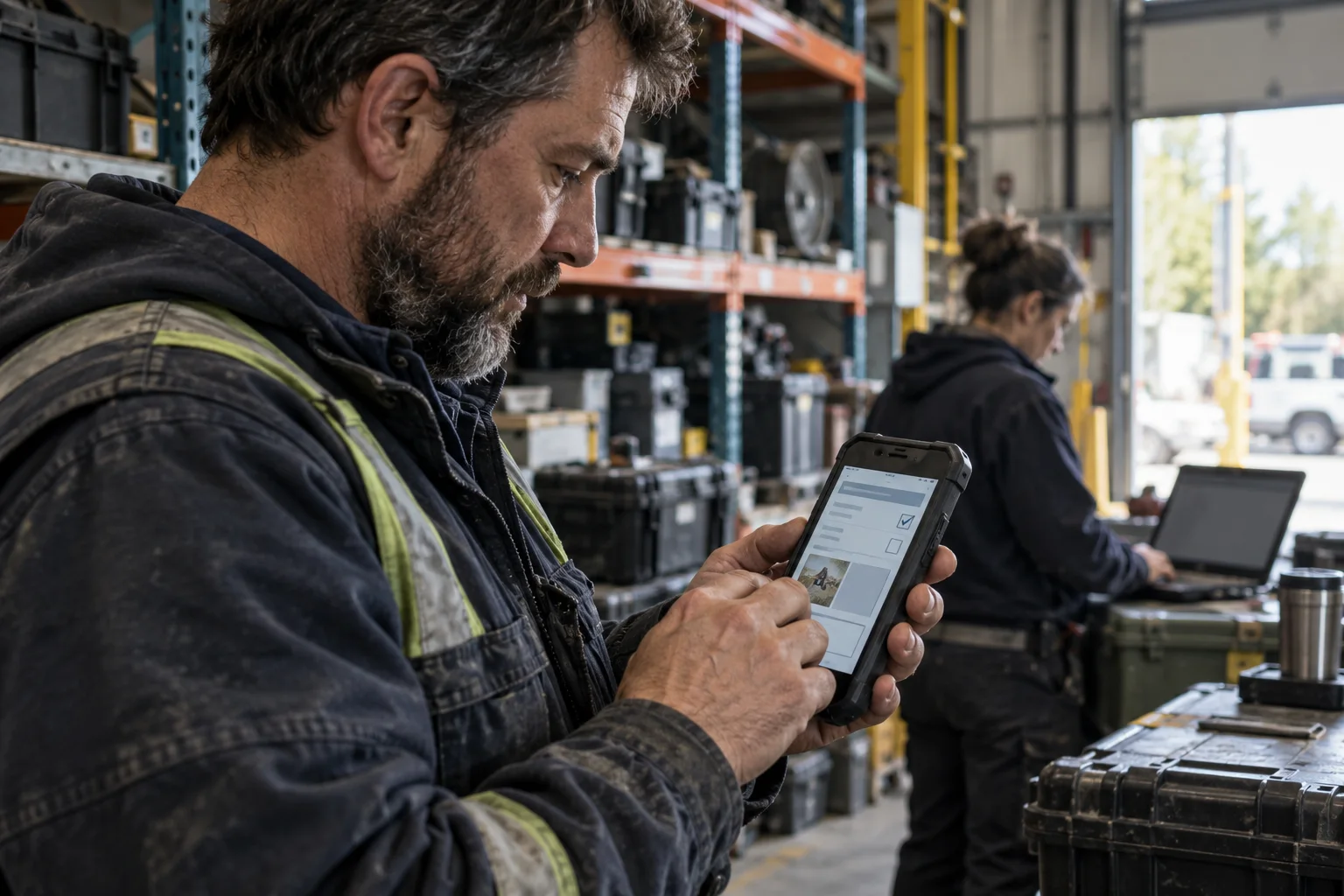
A technician needed to open a job, record work, attach evidence and mark it complete without knowing whether a connection was available. The module therefore had to own the local truth first and treat server synchronisation as a visible lifecycle.
The boundary included the completion screens, local job record, attachment queue and sync coordinator. Scheduling, authentication and the central work-order API stayed outside. Explicit adapters connected those services without allowing them to dictate UI state.
Inputs
Job data, user edits and connectivity
Owns
Draft, evidence and sync state
Outputs
Queued commands and visible status
The legacy screen saved fields, started uploads, retried requests and translated server errors. Temporary values were held in view state, so an app restart or process eviction could leave the user unsure whether a completed job had been retained.
Network behaviour was especially difficult to test. A retry could race with a new edit, attachments could complete in a different order and the UI inferred progress from callbacks instead of reading one durable state. Small fixes required engineers to understand the whole workflow and its background services.
The team agreed what queued, syncing, blocked, failed and complete meant—including which states survived a restart. That model became the contract shared by persistence, background work and the Compose UI.
Model
Define allowed transitions and recovery rules. Store the job and its pending commands together so a restart cannot separate user work from what still needs to sync.
Isolate
Wrap WorkManager, attachments and API calls behind one coordinator. Make retries idempotent and expose progress as data rather than sending callbacks into the screen.
Present
Build Compose screens that explain what is saved locally, what is waiting and what needs attention. Test each state without starting the network or the rest of the app.
The new boundary turned unreliable connectivity from scattered error handling into a feature the team could reason about, test and extend. The screen no longer decided whether work was safe; it displayed the module’s durable answer.
Durable workDrafts, evidence and pending commands survived restarts with an explicit recovery path.
Visible progressTechnicians could see whether a job was saved, syncing, blocked or complete—and what action was needed.
Reusable patternNearby inspection and inventory workflows could adopt the same state model without sharing screen code.
Illustrative module study. It blends recurring delivery patterns from similar projects and does not represent a named client claim.